CAM-901
It has shifted
A city-centre junction seen from a lamp-post camera, mid-afternoon. The usual scene is still there — the crossing, the café with the blue awning, the cars waiting, people walking over — but it has been pushed across to the right of the frame. Almost the whole left-hand half is now the wall of the building next door, with its green shutter a couple of metres from the lens. Nobody has touched the focus: the wall is sharp. What has changed is where the camera is pointing. IRIS compares this framing with the one saved as good and sees that they no longer match. It does not know whether it was a knock, the wind or a hand.

Turn on IRIS Vision
AI-generated image
What IRIS is
IRIS watches the cameras for you.
IRIS Neural is an artificial intelligence that watches the cameras you already have and understands what happens in front of them. When something important happens —or something you told it you need to keep an eye on—, it alerts you; and whatever can be counted, it counts in numbers. All day long, without anyone having to watch a screen.
You tell it what you need to watch, and IRIS does it.
Here, for example, IRIS compares what it sees now with the framing that was saved as correct, and as soon as they stop matching it flags it, showing the old image and the new one side by side. That way you find out the same day a camera has been knocked out of place, instead of a month later when that footage is missing. With that alert you know exactly how much to adjust it and go fix it.
Works with the cameras you already have. Nothing to replace.
A person replies, not a form.
- Your footage never leaves your premises.
- It doesn't identify people.
- Certifications →
What IRIS understands
What it recognises in this scene
- framing shifted
The rule
You decide once. IRIS applies it always.
If
a camera’s framing no longer matches the one saved as good
Then
- alert maintenance with the camera, the time and the video of the moment it changed
- show the saved image and the current one side by side
- keep the camera flagged as moved until a person confirms the framing
The instruction that set it up«Tell me if a camera stops framing what it always framed, and show me the good image next to the current one.»
What changes
What changes for whoever answers for the cameras working
A camera that has shifted does not look wrong, and that is the whole problem. On the control-room wall there is still street, still cars, still colour: the thumbnail looks healthy. The inventory says «working», the disk keeps recording, nobody goes out to look. It can stay like that for a month. The cost arrives the day somebody asks for the video of a fall on that crossing and the archive holds thirty days of a wall with a green shutter. With IRIS the alert goes out the same day it moved, with the saved image and the current one side by side, so whoever climbs the ladder already knows how far to correct it. It does not prevent the knock; it prevents the month.
What people usually ask
Won’t this fire every time it is windy or a lorry goes past?
No, because shaking and moving are not the same thing. A gust of wind or a lorry makes the picture vibrate and then settle back; the framing afterwards is the framing from before. Here the image is compared once it is still again, and the alert only fires if it has settled somewhere else. You can also ask it to wait a few minutes before saying anything. Shaking has its own entry and its own alert, because a mount that vibrates ends up being a problem too.
What if the installer moved it himself, on purpose?
Then the alert is still correct, and closing it takes half a minute: whoever is on call opens the video, sees that somebody was working on the pole and accepts the new framing as good. From then on that becomes the reference and it does not fire again. IRIS does not say whether a movement was authorised or who made it: it says the camera is no longer pointing where it was pointing. Who and why is always decided by a person watching the video.
Does this work on a motorised camera that moves all the time?
Yes, but the comparison is made position by position. A camera with saved presets has one reference image for each of them, and every time it returns to a position it is compared against its own. If it runs a continuous tour, the points of the tour are compared. What is never done is comparing a motorised camera against a single photograph: that would fire around the clock and the alert would stop being worth anything.
Demo · IRIS at work
You set the rule once. IRIS applies it every time.
You will see a summary of the interface, played step by step and hands-free. Each round starts with another case. The complete tool does not fit in a demo.
- The hour, as a grid
- You look where it's dark
- You jump to that minute
See it somewhere else

Who watches the cameras of a whole city?
23 cases: 18 raise an alert when something happens and 5 only measure. You see each image as it is, and then with what IRIS understands on top.
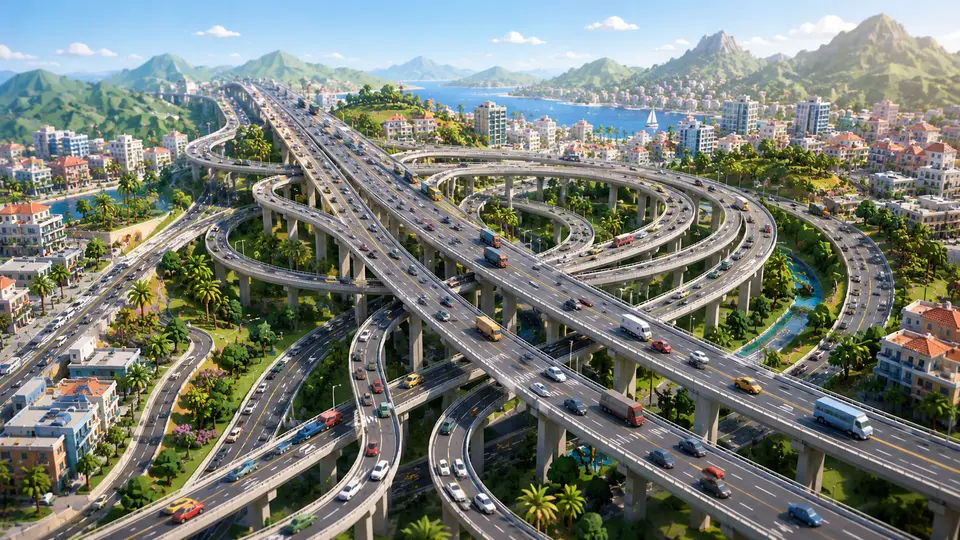
Who watches an entire motorway?
10 cases: 8 raise an alert when something happens and 2 only measure. You see each image as it is, and then with what IRIS understands on top.


And the best part
Video is late by definition:you watch it once the thing has already happened.
IRIS tells you while it is happening, with the camera, the time and what it saw. Arriving in time changes the end of almost any story, and no new cameras are needed for that.
Tell us your problem and we will say whether IRIS understands it, or not yet.
We reply the same working day.